Problem overview
The method setZeroes receives an m x n matrix of integers, a list of m rows with n numbers each. Wherever an element is 0, its entire row and its entire column must become 0. The change happens in place, and the method returns nothing.
Only the zeros present at the start count. A cell that becomes 0 during the process does not clear its own row and column. In [[1, 1, 1], [1, 0, 1], [1, 1, 1]] the only zero is in row 1 and column 1, so the middle row and the middle column become 0 and the result is [[1, 0, 1], [0, 0, 0], [1, 0, 1]].
The required time is O(m * n) and the extra space is O(m + n). The lesson mentions a follow-up with O(1) extra space, where the first row and column store the marks.
Approach: remember now, clear later
The tempting solution scans the matrix and, on meeting a zero, zeroes its row and column right away. That fails because the new zeros look exactly like the original ones. When the scan reaches them, it clears more rows and columns than it should. On [[1, 0, 1], [1, 1, 1], [1, 1, 1]], this approach clears the whole matrix and returns all zeros, where the correct answer is [[0, 0, 0], [1, 0, 1], [1, 0, 1]].
The fix is to separate looking from changing, using two passes:
- The first pass only reads. It records which rows and which columns contain a zero, in two lists of booleans.
- The second pass writes. A cell becomes 0 if its row or its column was marked.
The marks cost m + n booleans, which is where the O(m + n) space comes from. Marking a row twice, because it holds two zeros, changes nothing, so no care is needed for repeated zeros.
On the third example, [[0, 2, 3, 4], [5, 0, 7, 8], [9, 10, 11, 12]], the zeros are at row 0 column 0 and row 1 column 1. The marks therefore cover rows 0 and 1 and columns 0 and 1. The second pass clears those, and 11 and 12 are the only cells outside all four, so the result is [[0, 0, 0, 0], [0, 0, 0, 0], [0, 0, 11, 12]].
Step by step
- Store the dimensions:
mislen(matrix), the number of rows, andnislen(matrix[0]). Every row has the same length, so the first row gives the number of columns. - Create the marks:
zeroRowis[False] * mandzeroColis[False] * n.zeroRow[i]says whether rowihas a zero, andzeroCol[j]does the same for columnj. - Loop over every row with
iinrange(m). This first pass changes nothing. - Loop over every column of that row with
jinrange(n), so each cell is reached once. - Test the cell:
matrix[i][j] == 0. - Mark its row and column by setting
zeroRow[i]andzeroCol[j]toTrue. - Start the second pass with a new loop over
range(m), outside the first pair of loops. Every zero has been recorded, so cells can change without losing information. - Loop over the columns again with
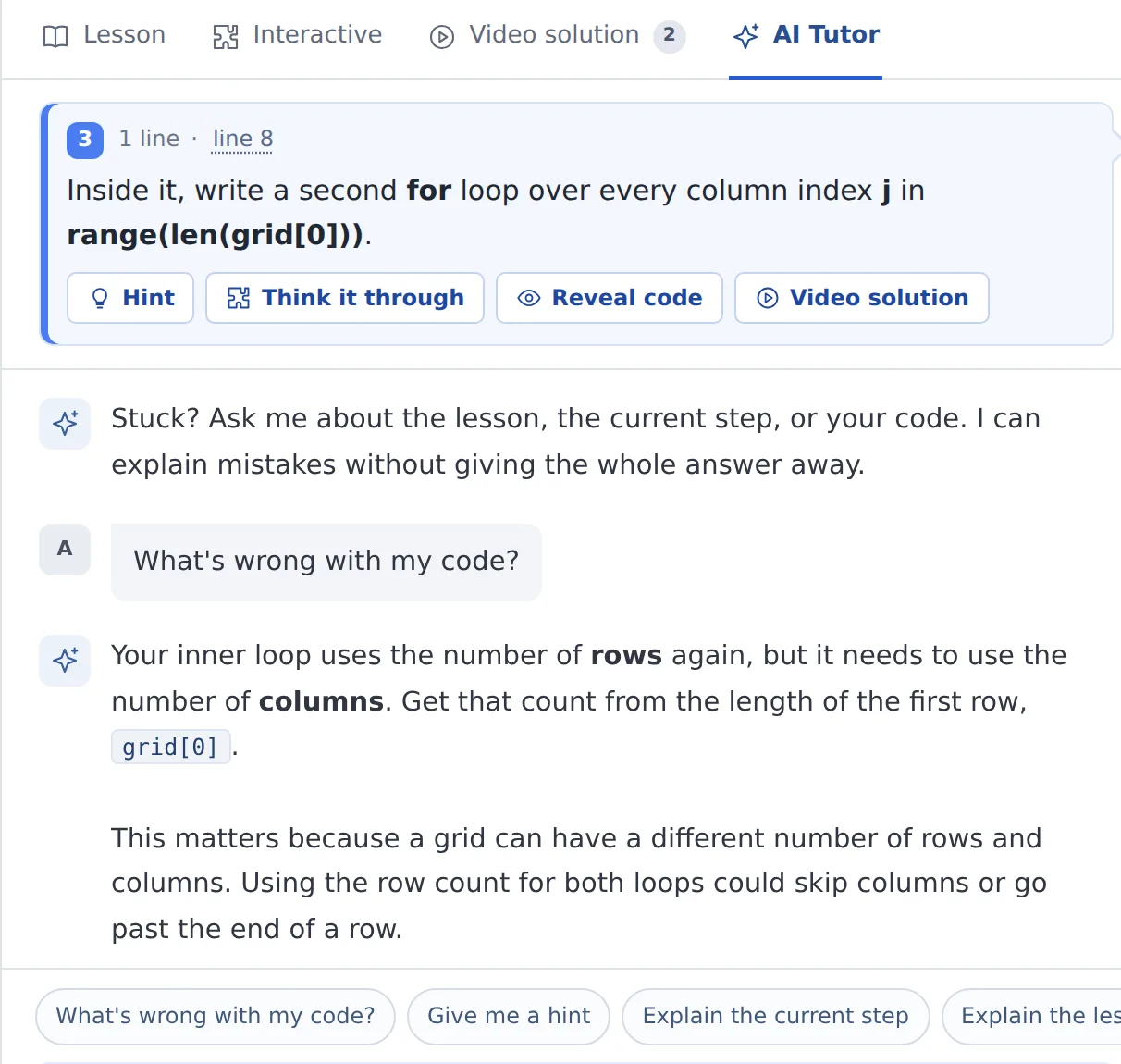
jinrange(n). - Clear the cell if
zeroRow[i] or zeroCol[j]is true by settingmatrix[i][j]to 0.
The solution in Python
class Solution:
    def setZeroes(self, matrix: List[List[int]]) -> None:
        m = len(matrix)
        n = len(matrix[0])
        zeroRow = [False] * m
        zeroCol = [False] * n
        for i in range(m):
            for j in range(n):
                if matrix[i][j] == 0:
                    zeroRow[i] = True
                    zeroCol[j] = True
        for i in range(m):
            for j in range(n):
                if zeroRow[i] or zeroCol[j]:
                    matrix[i][j] = 0
The Python details that matter here:
[False] * mis safe for booleans. AssigningzeroRow[i] = Truereplaces one slot and leaves the others alone.- The method returns
None. CallingsetZeroes(matrix)changes the caller's list in place, and the result is read frommatrixafterwards. - Only exact zeros count. The test
matrix[i][j] == 0matches the integer 0 and nothing else. Negative numbers and very large numbers are ordinary cells, and Python integers have no overflow. orshort-circuits. When the row is already marked, the column mark is not even looked at, which is fine because either one is enough.
Complexity
Time: O(m * n). The method visits every cell twice, once per pass, and each visit costs constant time.
Space: O(m + n). zeroRow holds m booleans and zeroCol holds n. The matrix itself is changed in place and never copied.
The O(1) follow-up stores the same information inside the first row and the first column of matrix. Those cells then have two jobs, so it needs two extra booleans to remember whether the first row and the first column held a zero of their own.
Edge cases and common mistakes
- Clearing while scanning. Zeroing a row and column the moment a zero is found makes new zeros trigger more clearing, as shown above. The two-pass structure exists to prevent it.
- No zeros. The marks stay
Falseand the matrix is unchanged. A single cell such as[[5]]comes back as[[5]]. - A single row or column.
[[0, 1]]becomes[[0, 0]], and[[1, 2, 3]]stays as it is. - Zeros that share a line. In
[[0, 1, 2, 0], [3, 4, 5, 2], [1, 3, 1, 5]]both zeros are in row 0. Row 0 is marked twice, which is harmless, and columns 0 and 3 are marked once each. - Mixing up the lists.
zeroRowhasmentries and is indexed byi.zeroColhasnentries and is indexed byj. Swapping them marks the wrong lines on a non-square matrix and can raise anIndexError.
Testing
[[1, 1, 1], [1, 0, 1], [1, 1, 1]]becomes[[1, 0, 1], [0, 0, 0], [1, 0, 1]].[[0, 1, 2, 0], [3, 4, 5, 2], [1, 3, 1, 5]]becomes[[0, 0, 0, 0], [0, 4, 5, 0], [0, 3, 1, 0]].[[0, 2, 3, 4], [5, 0, 7, 8], [9, 10, 11, 12]]becomes[[0, 0, 0, 0], [0, 0, 0, 0], [0, 0, 11, 12]].[[1, 0, 1], [1, 1, 1], [1, 1, 1]]becomes[[0, 0, 0], [1, 0, 1], [1, 0, 1]].[[0, 1]]becomes[[0, 0]].